
 Start your repair
Check whether your insurance covers the repair → and request a free quote when starting your repair.
MacBook Pro 15" Touch Bar A1990 (2018-2019) Replace the battery
Start your repair
Check whether your insurance covers the repair → and request a free quote when starting your repair.
Does the battery of your MacBook Pro 15" Touch Bar A1990 (2018-2019) run out quickly? Or does the battery no longer charge at all? Have you turned into a walking power bank? Our specialists can help you replace your battery.
- 1The battery lasts shorter and shorter.
- 2The battery doesn't charge anymore.
- 3The battery indicates "repair" in battery preferences.
- 4You depend on your charger to make your MacBook Pro 15" Touch Bar A1990 (2018-2019) work.
Frequently asked questions about replacing your MacBook Pro 15" Touch Bar A1990 (2018-2019) battery
-
Do you use original Apple batteries?
For newer MacBooks we can sometimes replace the original Apple battery on its own. For older MacBooks, an original Apple battery can only be replaced together with the entire housing, including the keyboard. That makes the repair very expensive and inefficient. That is why we offer our own brand battery of comparable quality for those models. This keeps the repair price in proportion to the value of your MacBook. Our specialists can tell you which options are available for your MacBook Pro 15" Touch Bar A1990 (2018-2019).
-
How long will my new MacBook Pro 15" Touch Bar A1990 (2018-2019) battery last?
-
Can you measure the battery condition of my MacBook Pro 15" Touch Bar A1990 (2018-2019)?
-
How long does the repair take?
-
You guarantee a no cure, no pay method. How does that work?
-
You offer a lifetime warranty on a MacBook Pro 15" Touch Bar A1990 (2018-2019) repair. What is covered during this warranty period?
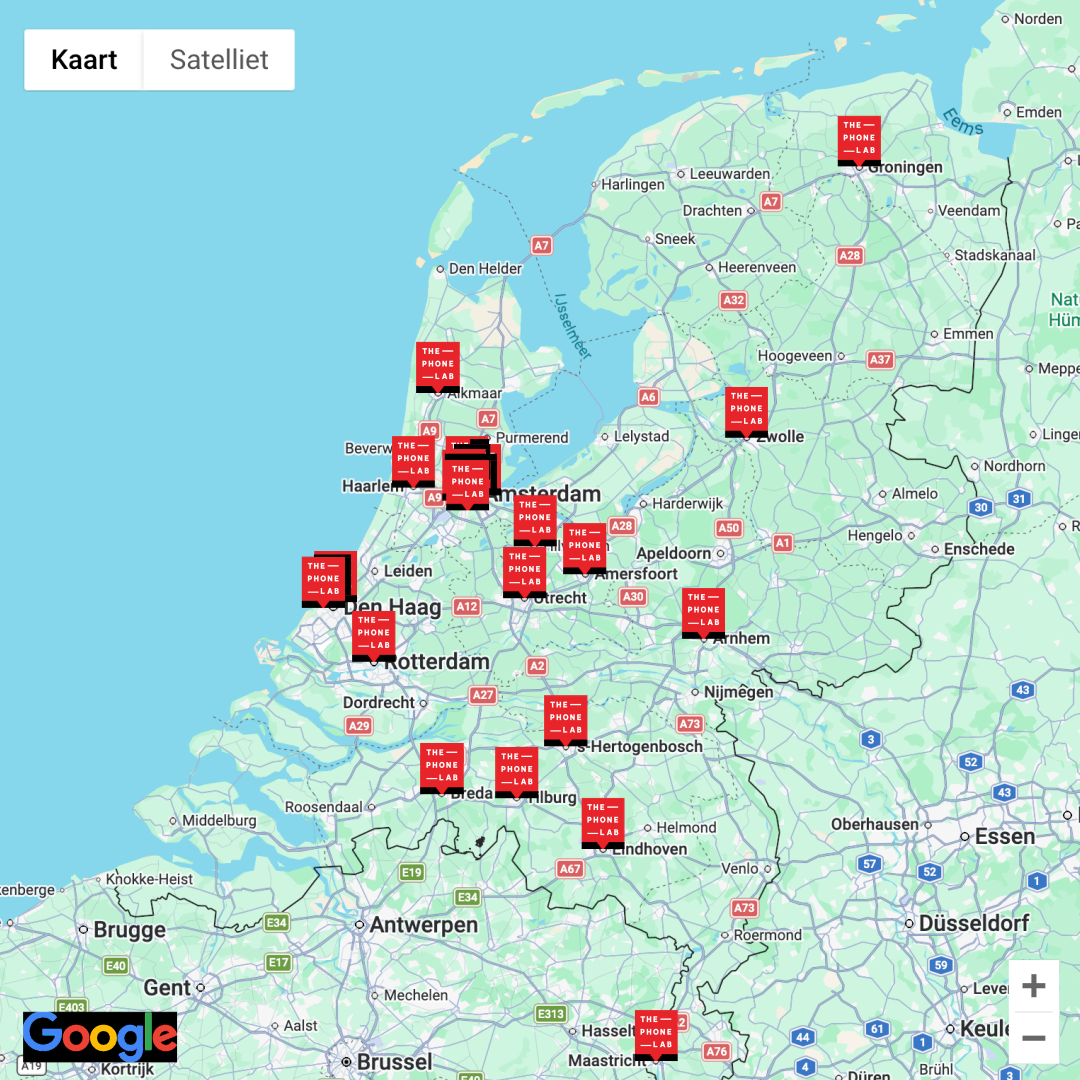
Curious about where you can replace your MacBook Pro 15" Touch Bar A1990 (2018-2019) battery?
You are always welcome to stop by one of our stores. Click on the map for more information about your preferred store.
ThePhoneLab - Frederik Hendriklaan 142A
Frederik Hendriklaan 142A, 2582 BH Den Haag
Route
Related repairs

Rated 9.6 by 25,359 customers
